Everything a governed desktop should do.
The console, SDK, REST API, and MCP server expose the same capability set. What follows is all of it — shown with real product screenshots, not mockups.
- 7 lifecycle actions
- 4 variants
- 3 operating systems
- Live polling
- ⌘K palette
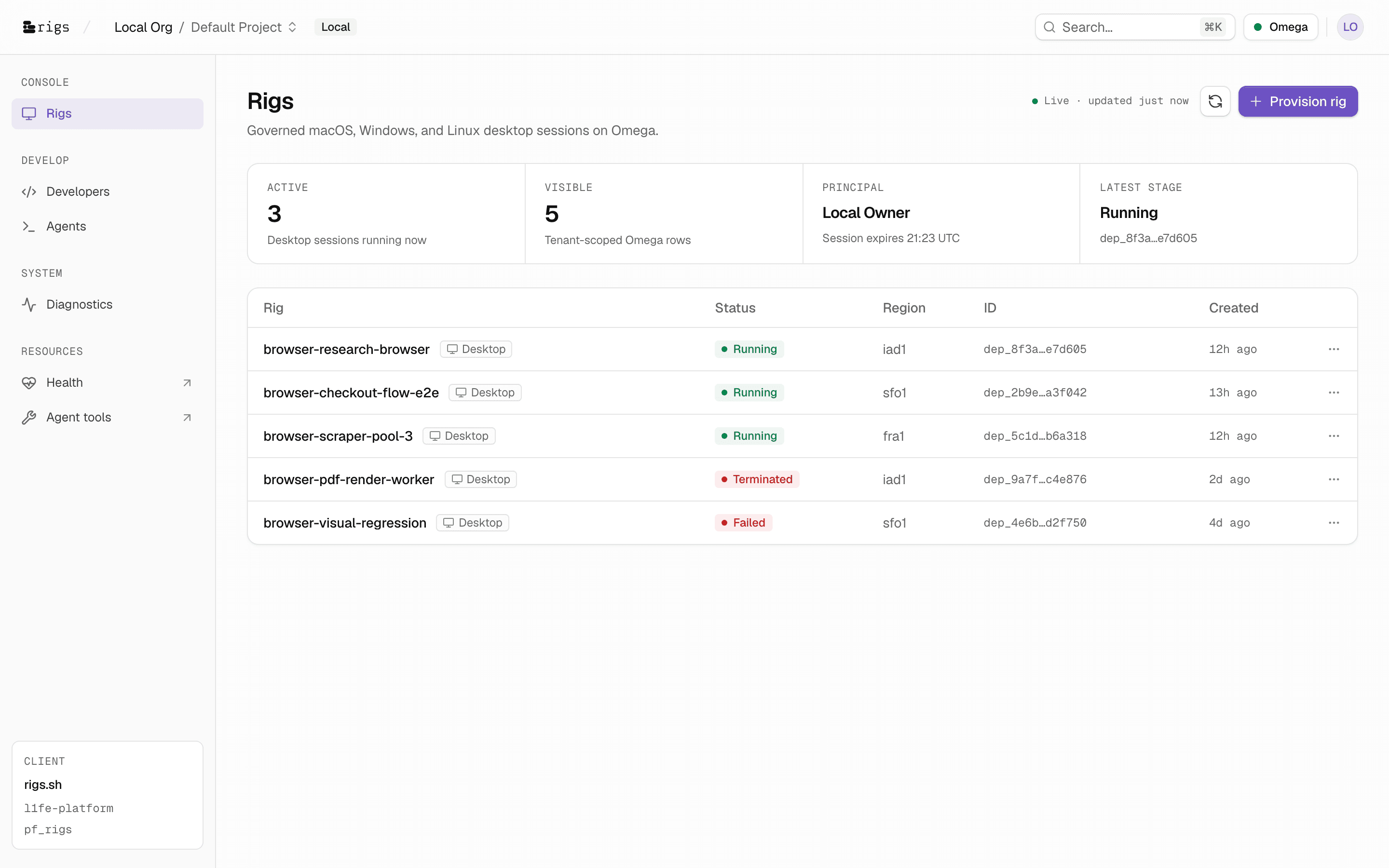
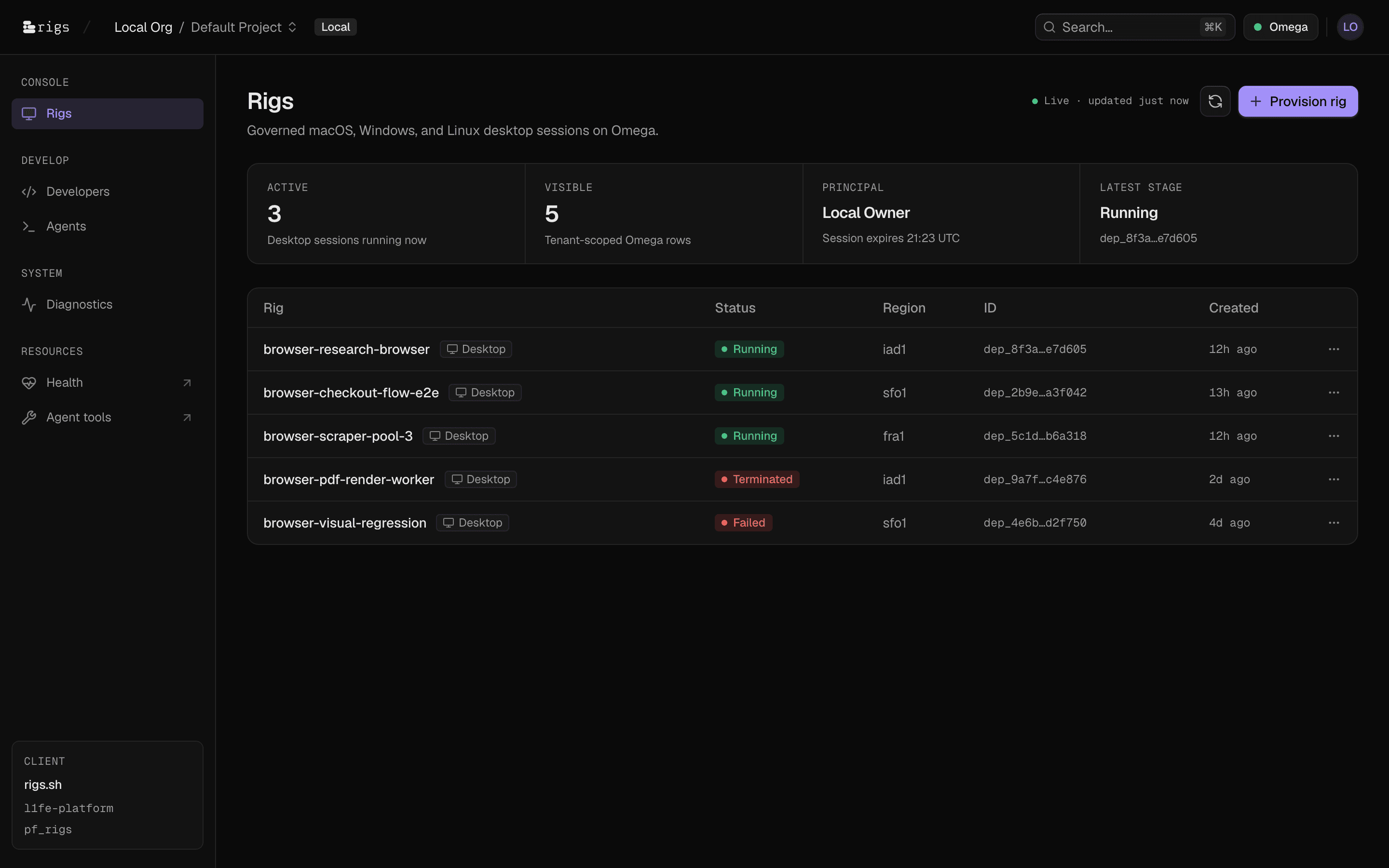
The whole fleet on one screen.
Status, region, deployment ID, and age for every desktop session in your tenant scope — polled live from Omega with a visible Live/Paused indicator.
- Polling pauses automatically when the tab is hidden and resumes on focus
- Freshly provisioned rows flash a brand-tinted highlight that decays over two seconds
- Active, visible, principal, and latest-stage metrics summarized above the table
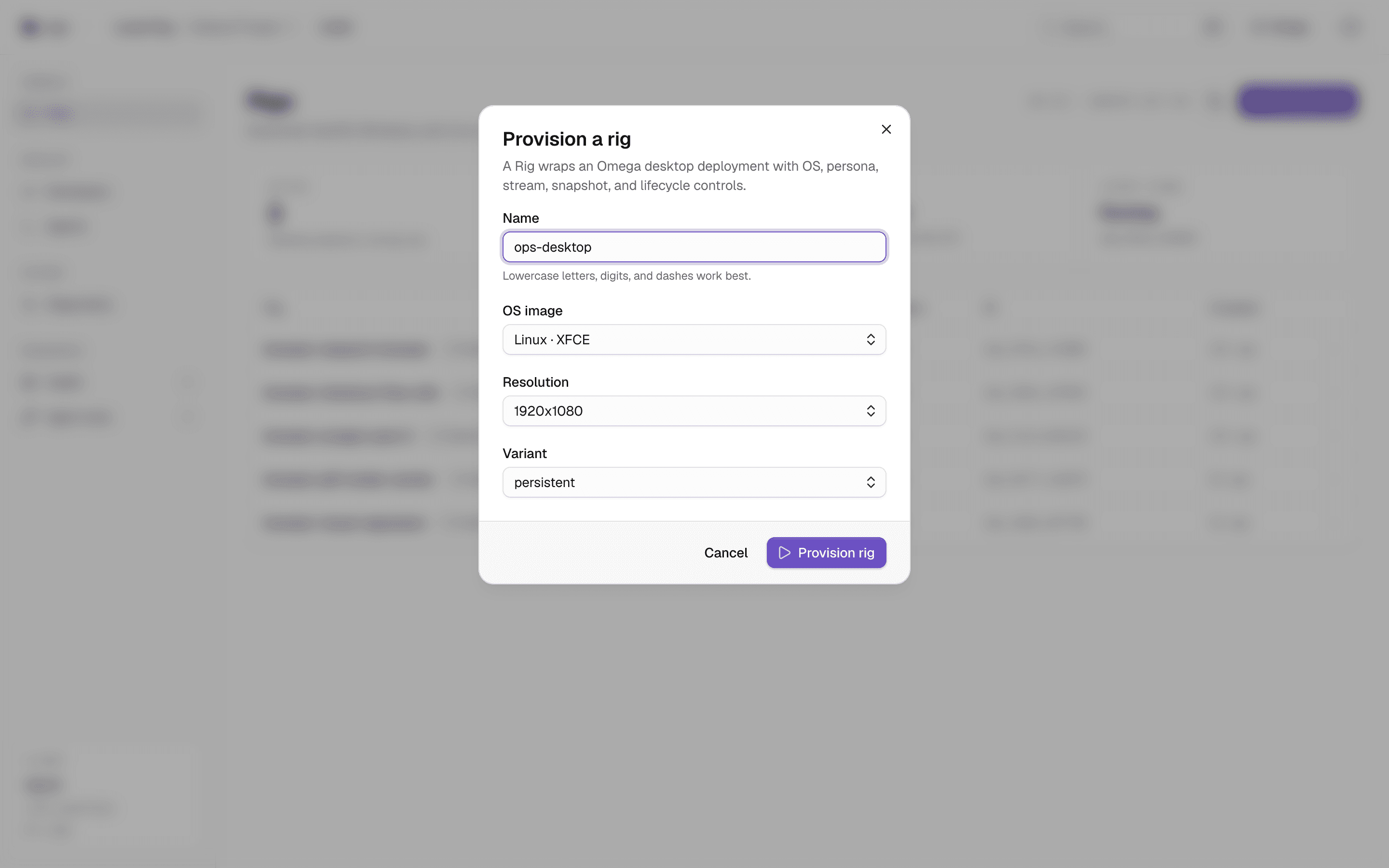
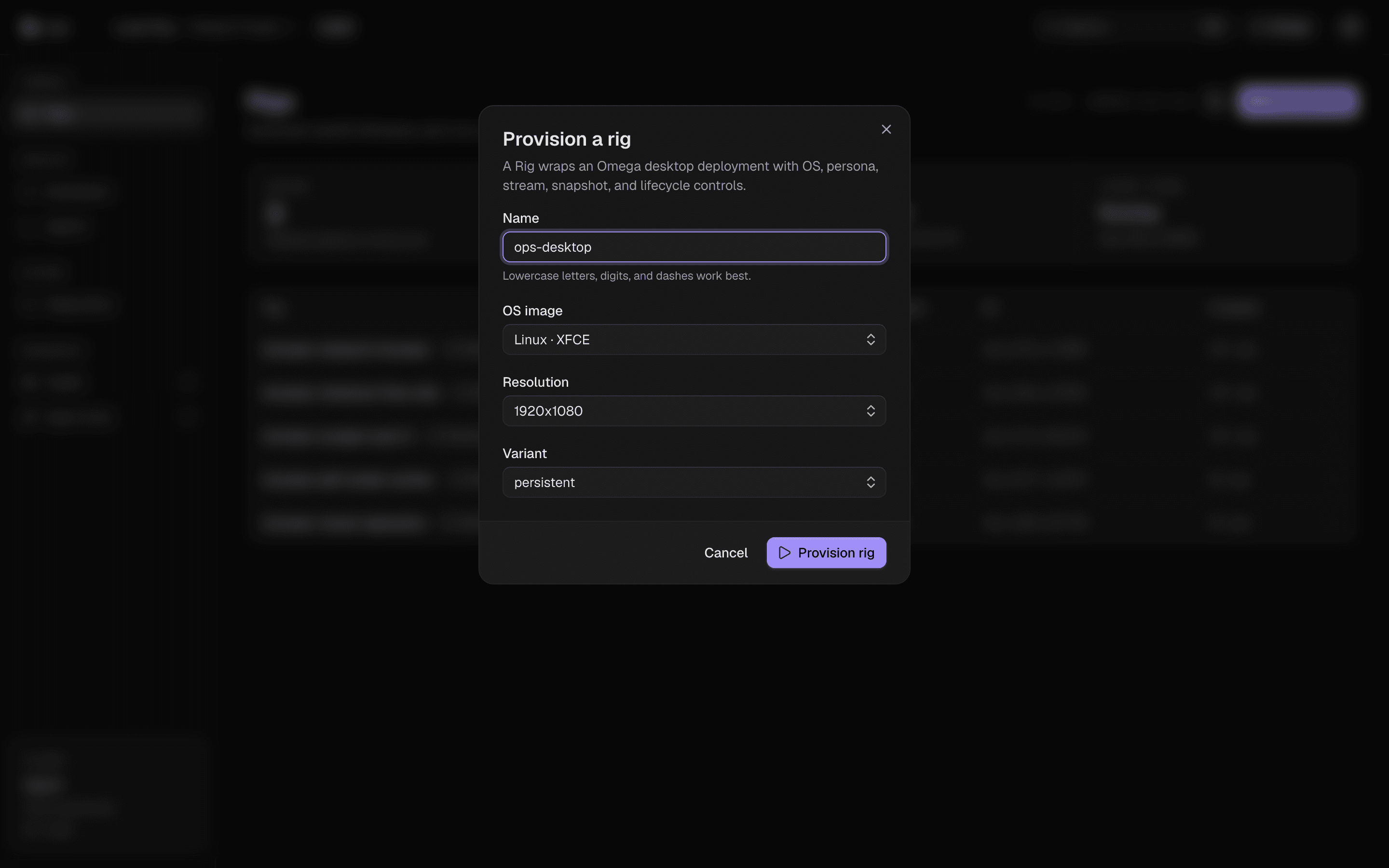
One dialog. Any OS.
Name the rig, pick an OS image, set resolution and variant — Linux XFCE/KDE, Windows, or macOS, from 1366×768 up to 2560×1440.
- Variants: persistent, stateless, visual, headless — selected per spin
- Double-submit guarded: rapid clicks send exactly one provision request
- Also available as POST /api/rigs, RigsClient.create(), or the rigs_create MCP tool
Every rig, inspected in place.
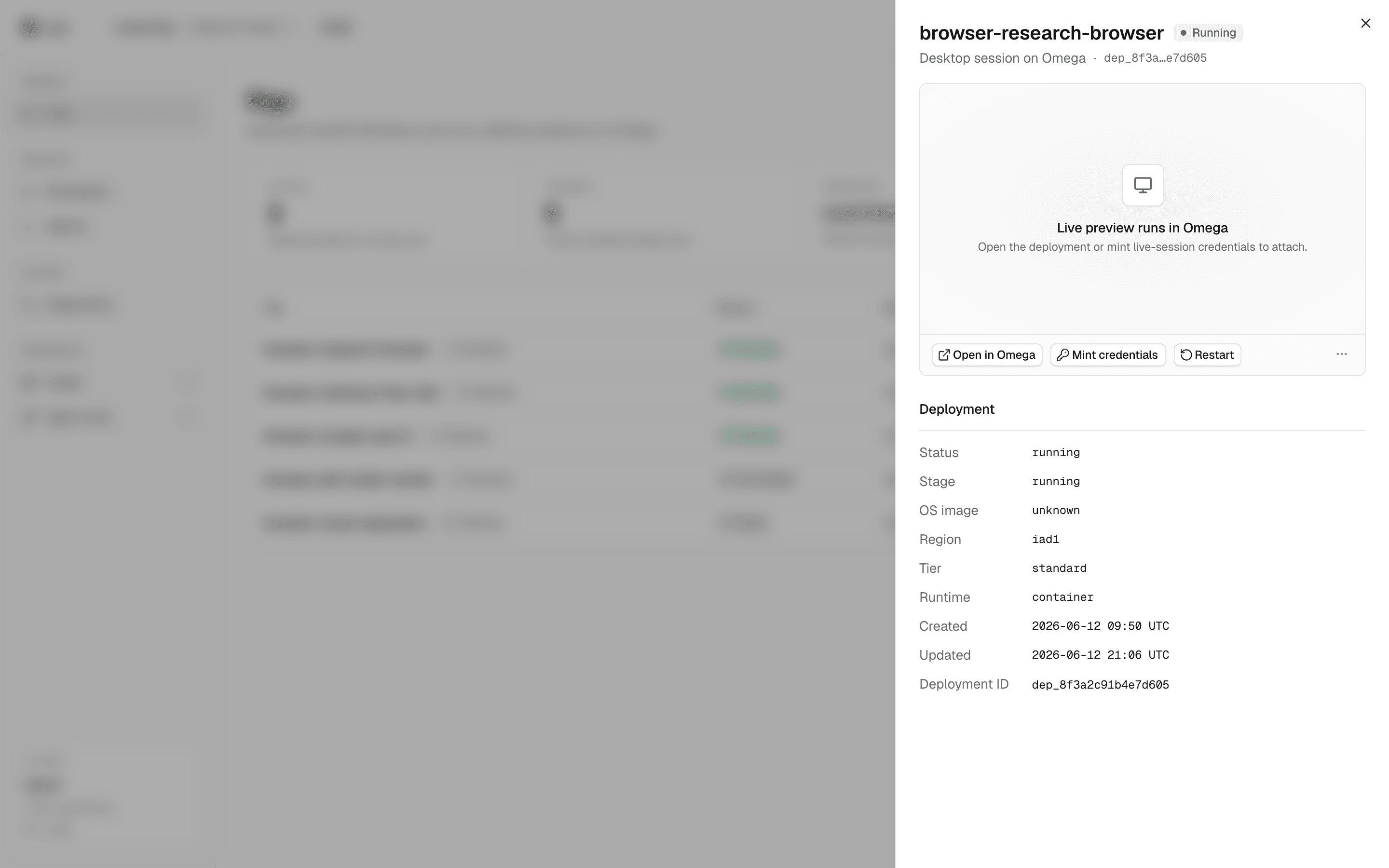
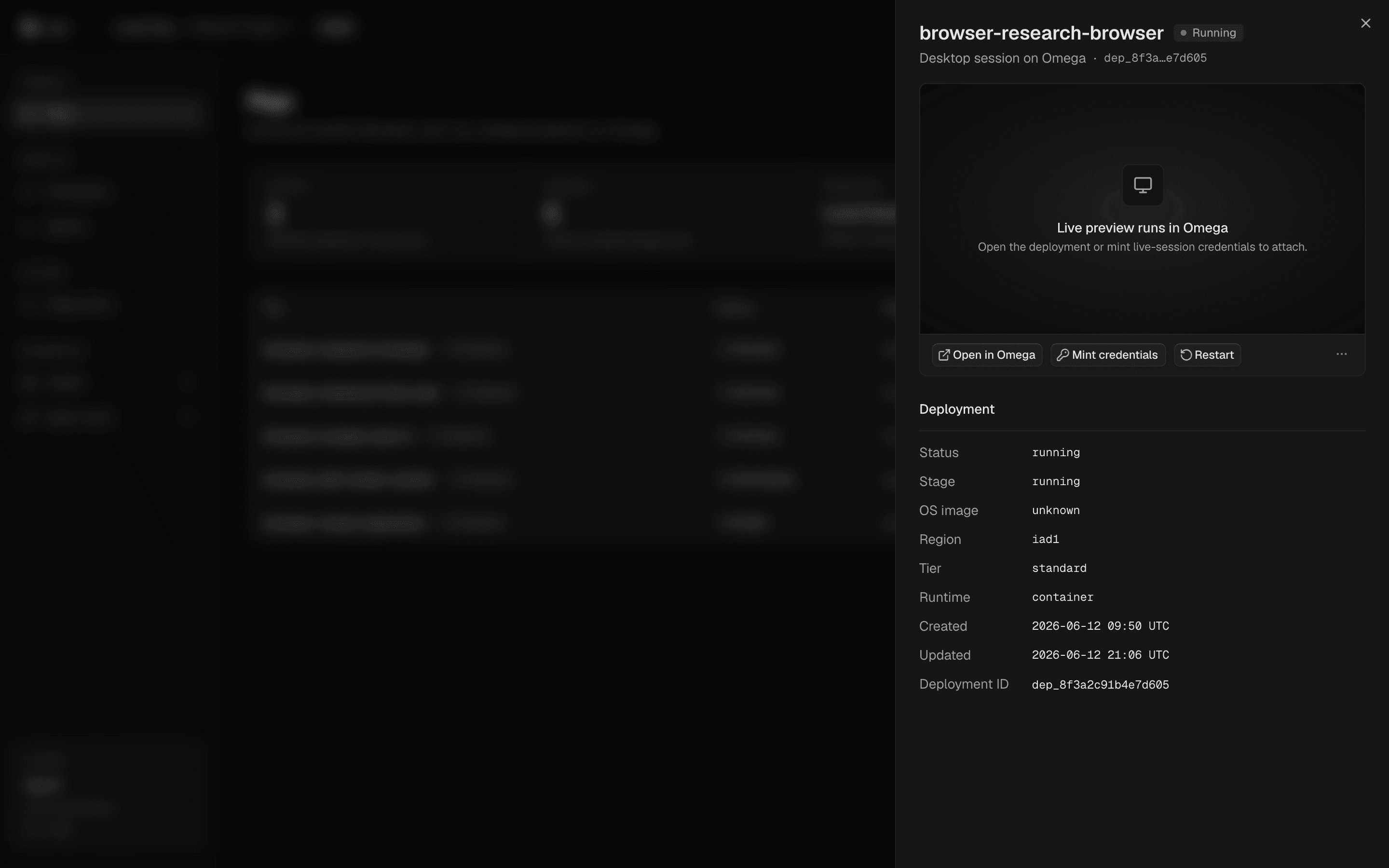
The details sheet shows stage, region, tier, runtime, timestamps, and the Omega deployment ID — with live preview and the full action set one click away.
- Live desktop preview runs in Omega; attach via minted credentials
- Open in Omega deep-links straight to the underlying deployment
- Diagnostics view surfaces API health and session checks console-wide
Access that forgets itself.
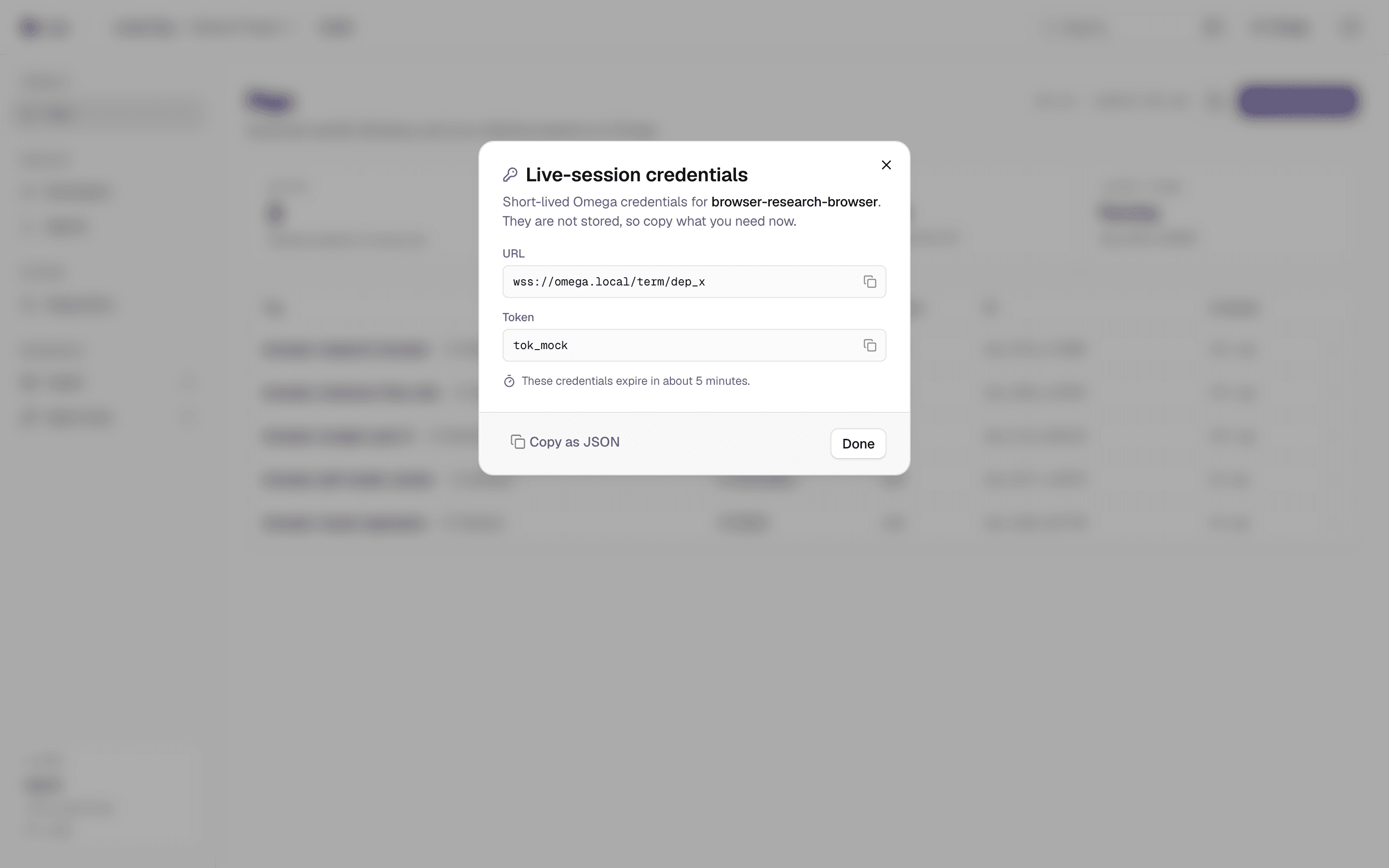
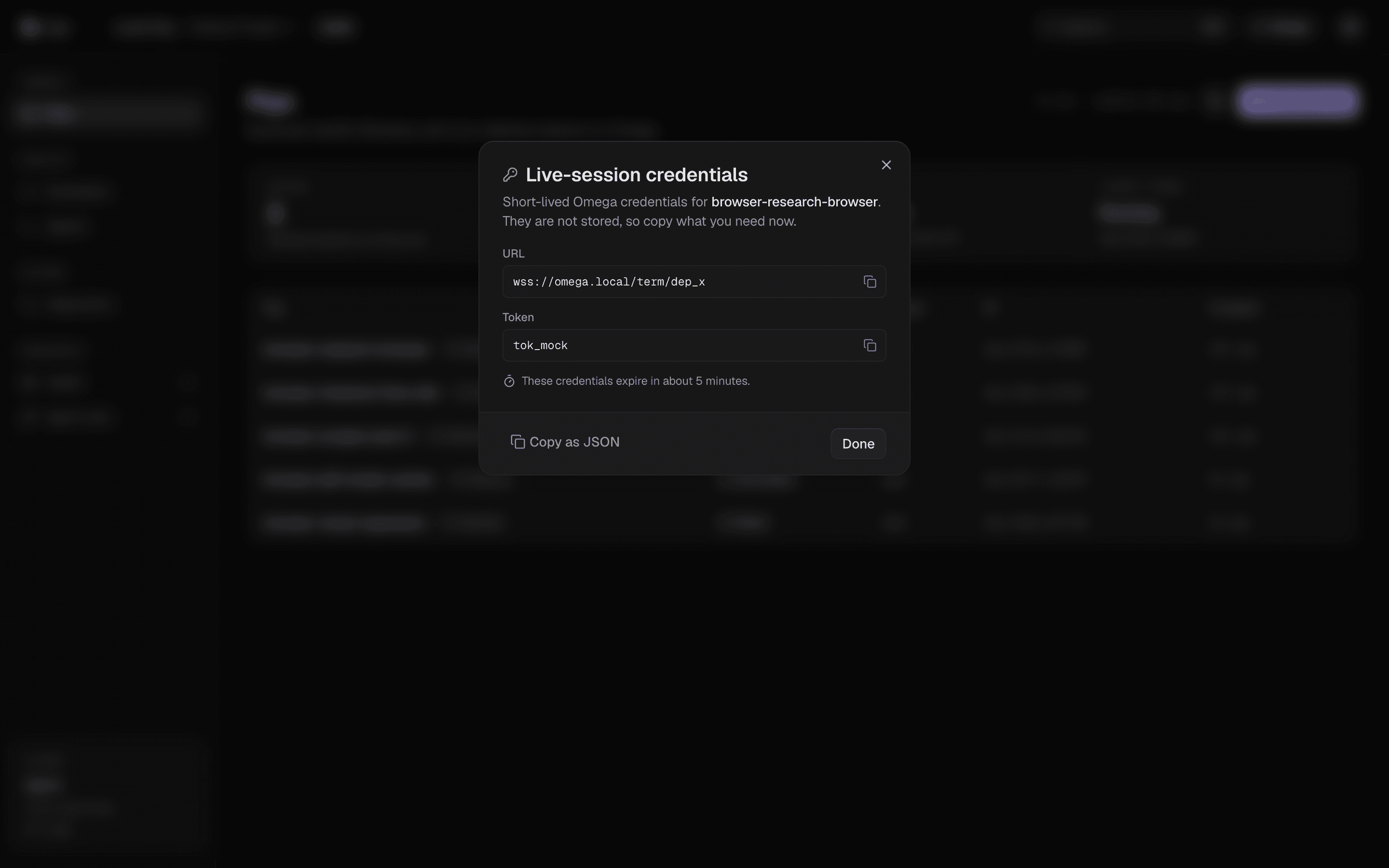
Mint short-lived live-session credentials for any running rig. They are scoped to that rig, never stored, and expire in minutes.
- Copy each field individually or grab the whole payload as JSON
- Explicit expiry note on every mint — no silent long-lived tokens
- Available from the row menu, the details sheet, the SDK (term), and MCP (rigs_term)
A typed capability set, not a pile of endpoints.
Seven lifecycle actions, identical across console, SDK, REST, and MCP. Destructive ones confirm in the console and require the control scope everywhere else.
stopTerminate the session and release the Omega deployment
restartBounce the desktop without losing the rig identity
reinstall_osFresh OS image on the same rig — confirm-gated
snapshotCapture state for persistent variants
resizeChange resolution or size class in place
wipe_stateErase all session state — confirm-gated, irreversible
logsPull session logs for diagnosis
Same set everywhere
console · SDK · REST · MCP
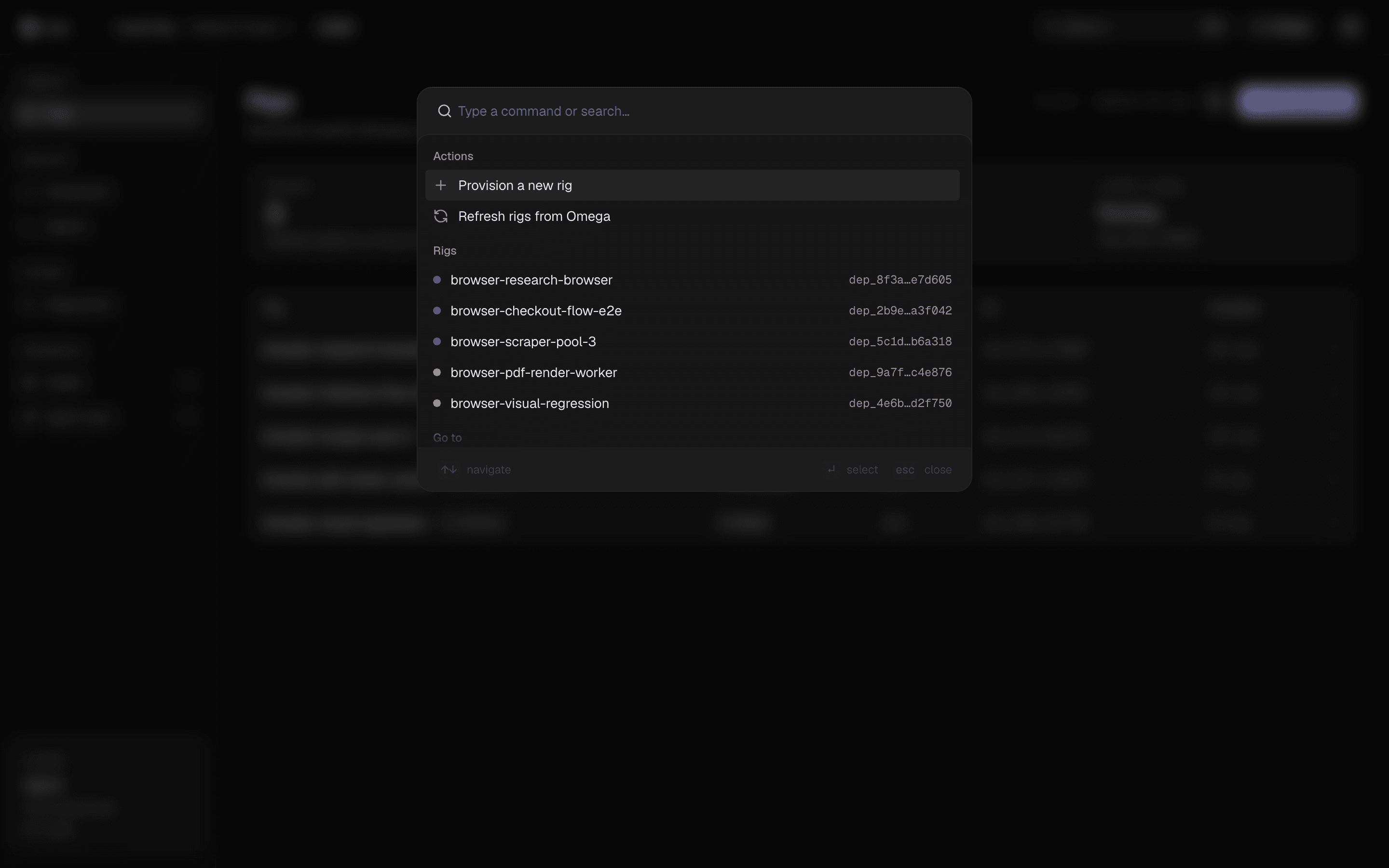
⌘K for the whole console.
Provision a new rig, refresh the fleet from Omega, or jump to any rig by name or deployment ID — without leaving the keyboard. Focus management and a11y are e2e-tested in both themes.
Your fleet is one provision call away.
Open the console and spin a governed desktop in seconds — or talk to us about running your whole fleet on Rigs.
npx @l1fe/rigs-mcp — for the agents in the room