macOS
Real macOS sessions executing on sanctioned Apple hardware — the trust boundary Apple expects, behind the same API as everything else.
environment: "macos"Cloud desktops for humans and agents
Rigs provisions governed desktop sessions on Omega — scoped by Keystone, metered by Garden, and controllable by your team or your agents through a console, a typed SDK, and MCP.
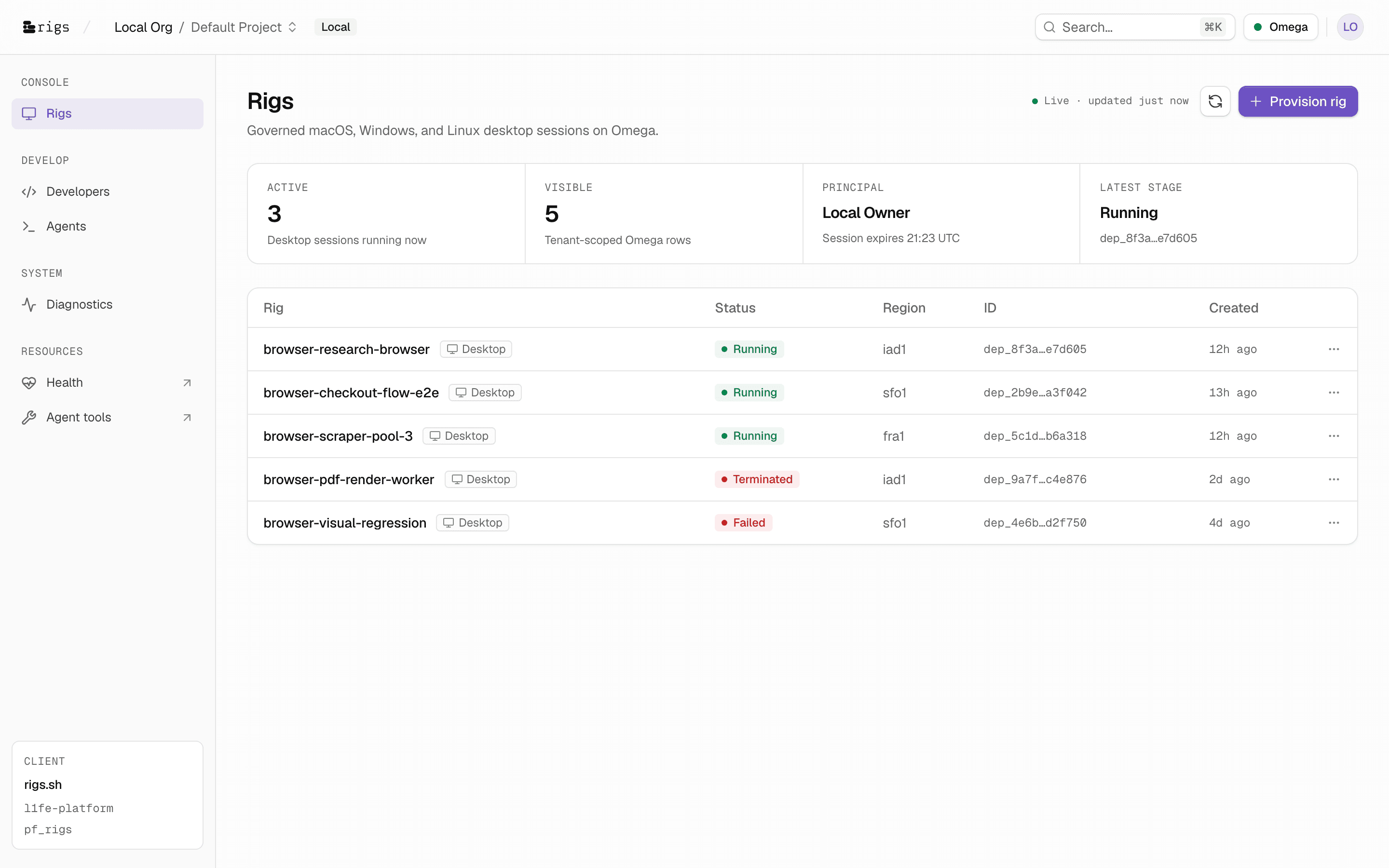
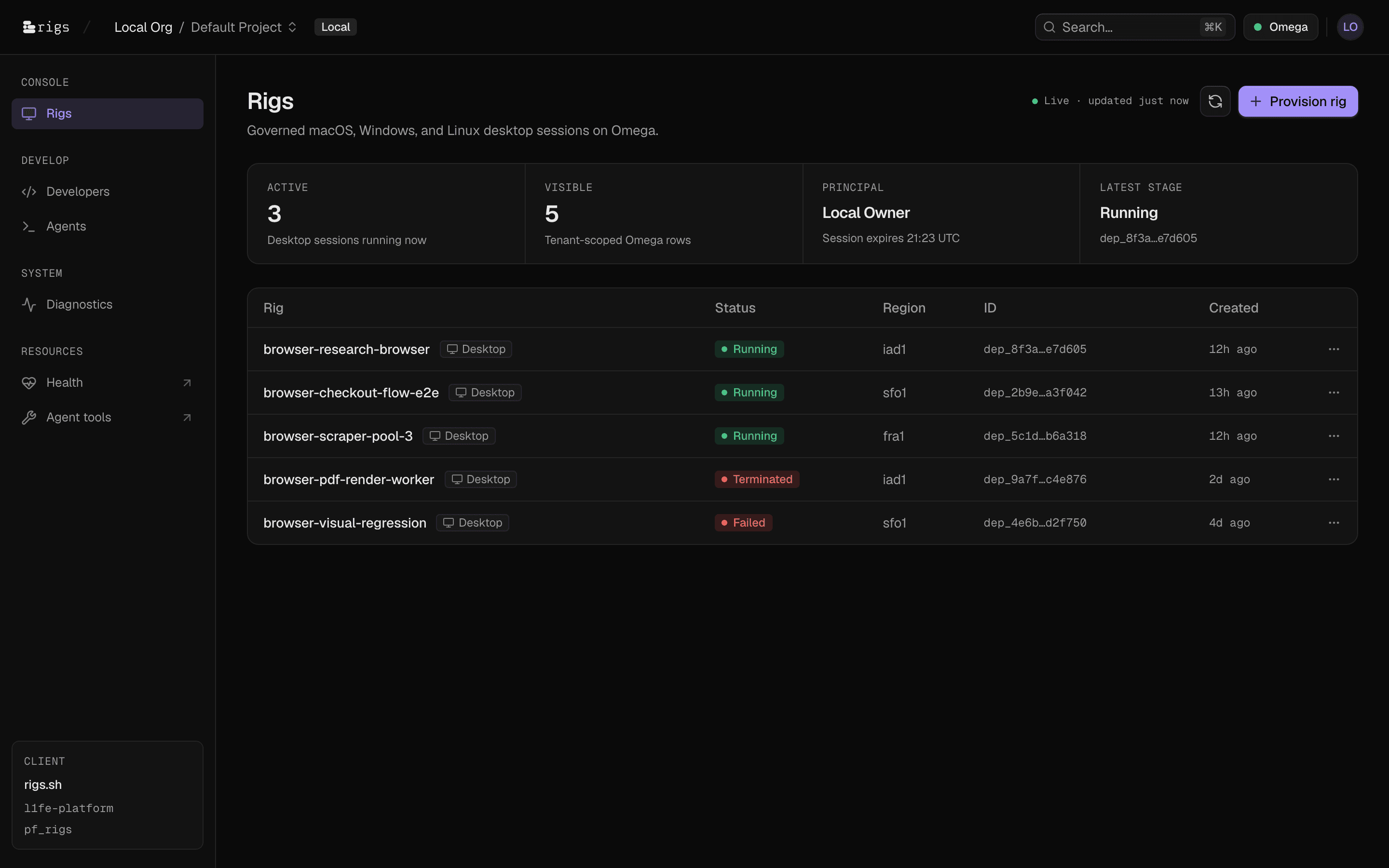
Every desktop session in your tenant — status, region, deployment ID, age — polling live from Omega, scoped to the org and project you are signed into.
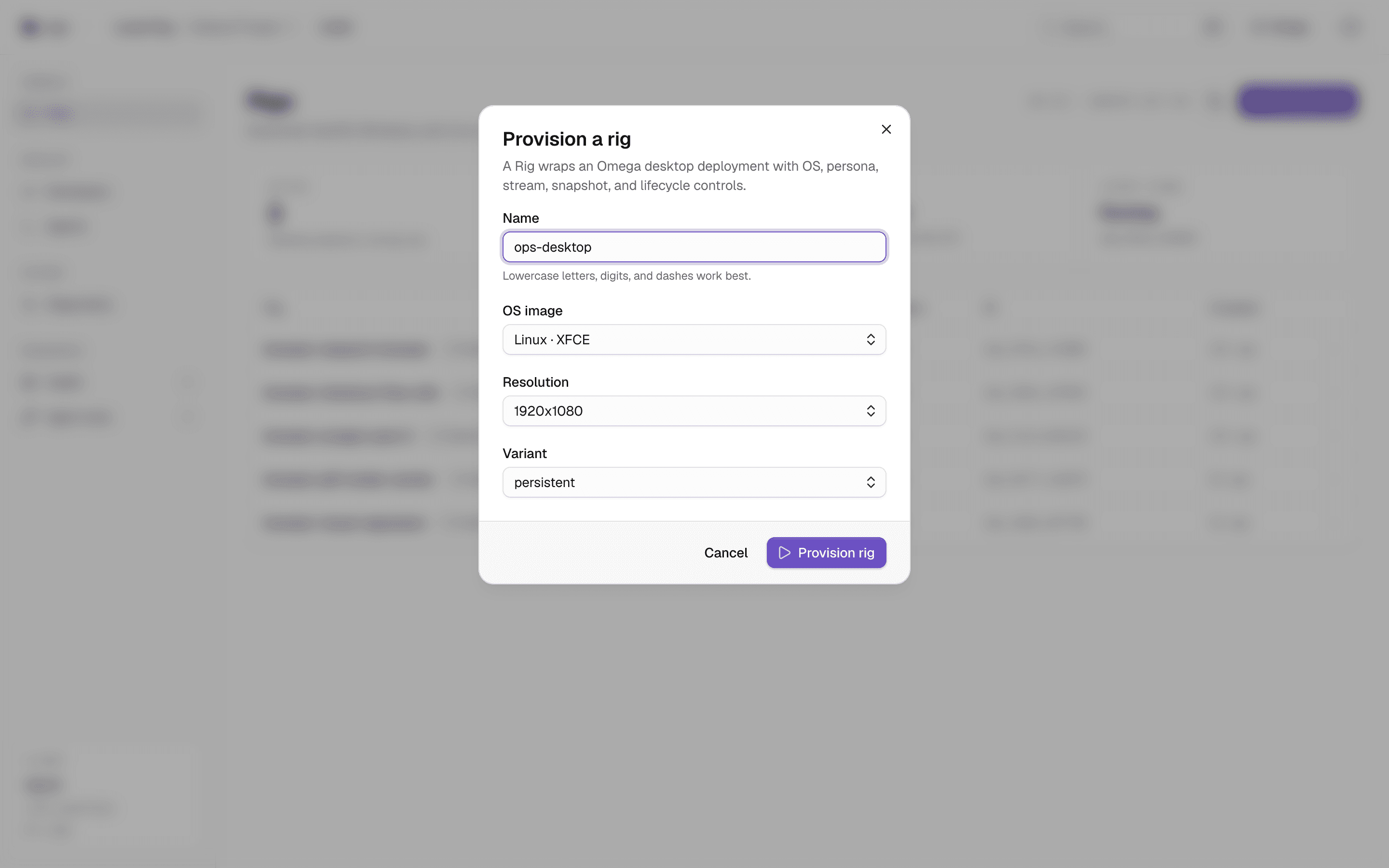
Pick an OS image — Linux XFCE or KDE, Windows, macOS — set resolution and variant, and the rig is queued on Omega in seconds.
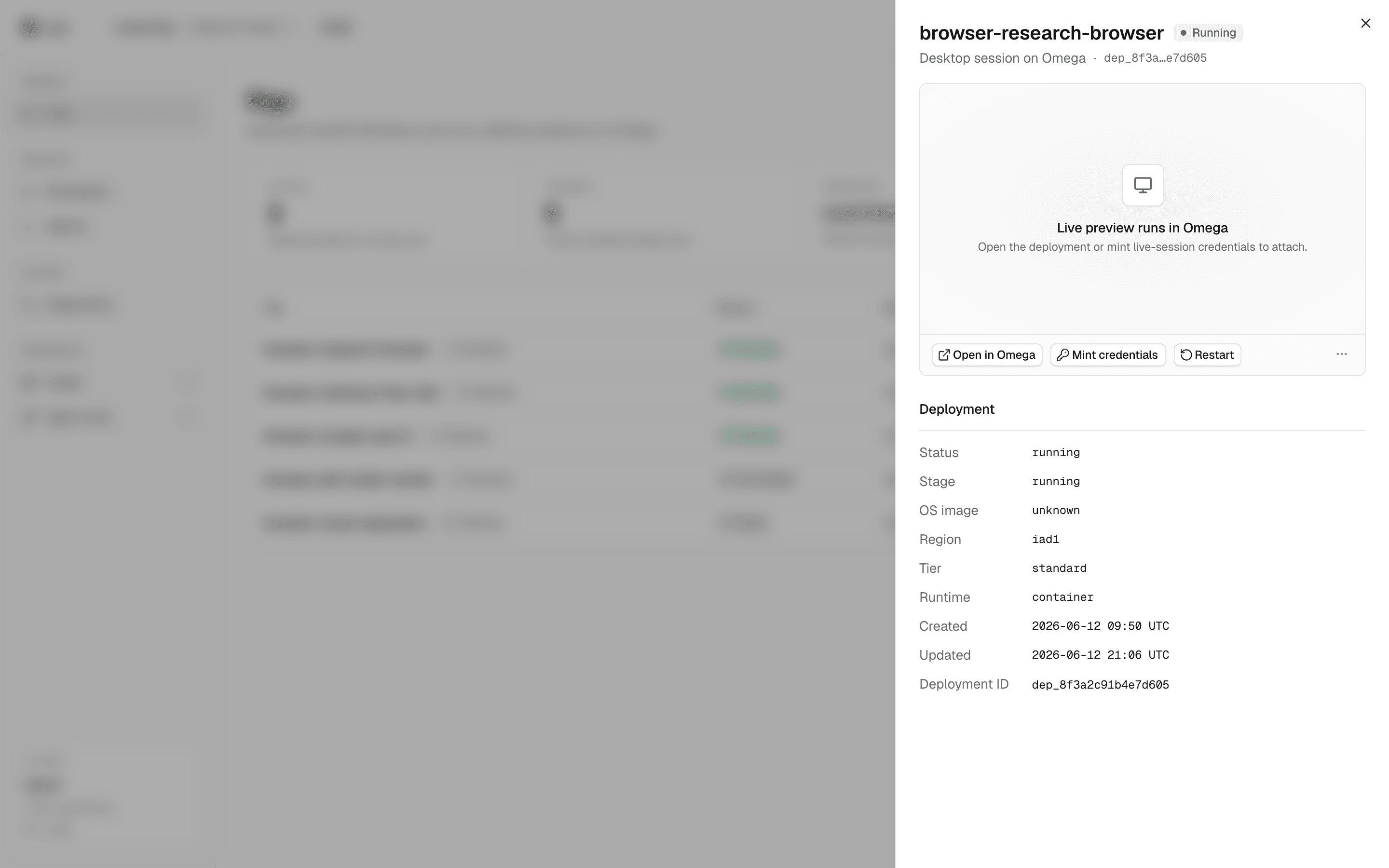
Stage, region, tier, runtime, timestamps, deployment ID — plus live desktop preview and lifecycle controls, in a single sheet.
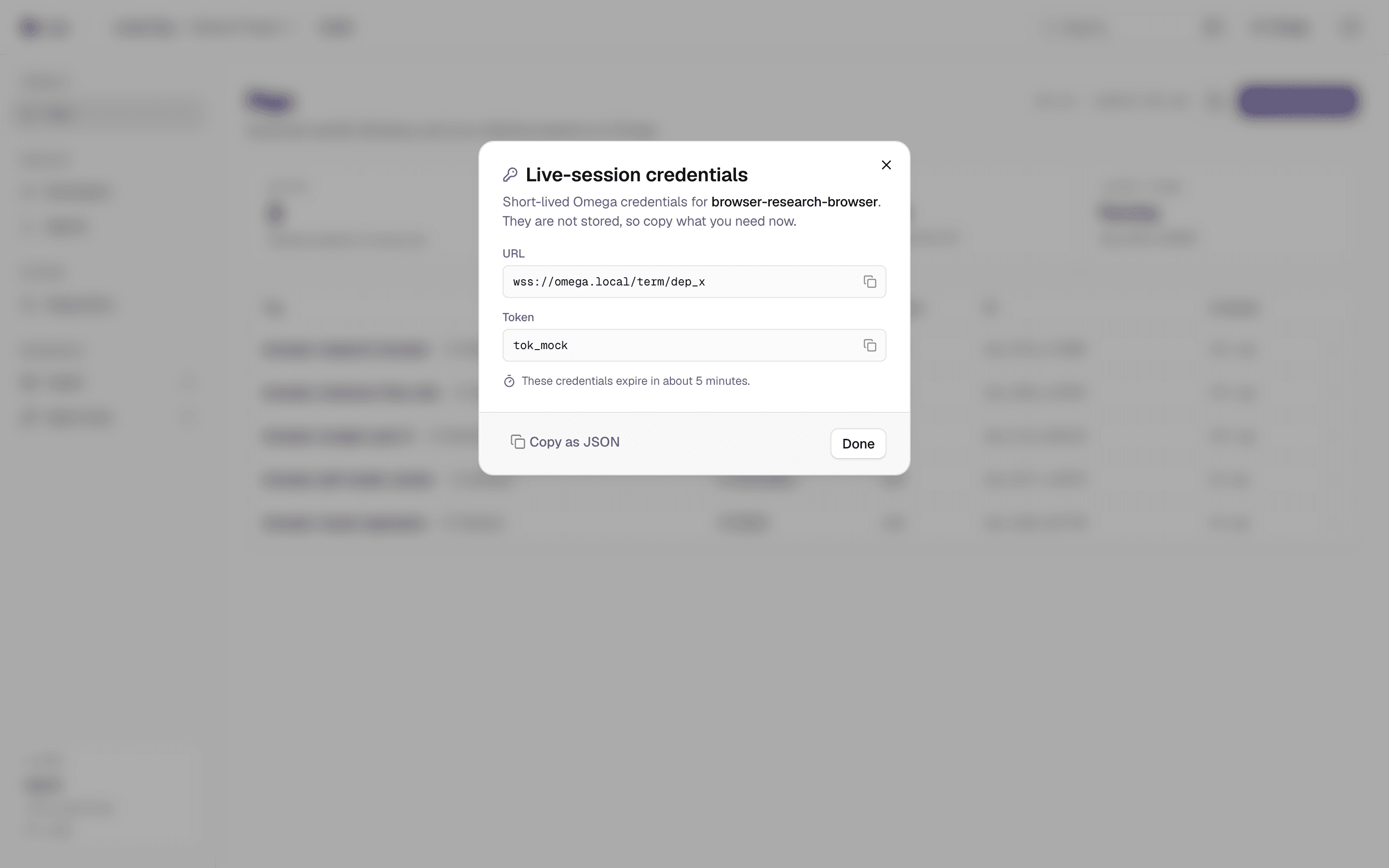
Mint short-lived live-session credentials scoped to a single rig. They are never stored — copy what you need, they expire in minutes.
The entire console is drawn twice on a pure-neutral foundation. It follows your system, down to the last hairline border.
Nobody else hands you governed macOS, Windows, and Linux desktops from a single provision call. With Rigs, the OS is a request parameter — not a procurement project.
Real macOS sessions executing on sanctioned Apple hardware — the trust boundary Apple expects, behind the same API as everything else.
environment: "macos"Full Windows desktops on the L1fe runtime with per-rig network and filesystem isolation. License handling is our problem, not yours.
environment: "windows"XFCE and KDE images that cold-start in well under a second — plus a headless variant at a fraction of the price for pure automation.
environment: "xfce" | "kde"Variants per spin: persistent · stateless · visual · headless — resolution up to 2560×1440
Everything the console does rides the same public surface: a REST API, a typed TypeScript SDK, and an MCP server. If you can see it in the UI, you can script it.
import { RigsClient } from "@l1fe/rigs-sdk"; const rigs = new RigsClient({ token: process.env.RIGS_API_TOKEN }); // Provision a governed Linux desktopconst rig = await rigs.create({ name: "ops-desktop", environment: "kde", resolution: "1920x1080", variant: "persistent",}); // Lifecycle is a typed capability setawait rigs.action(rig.id, "restart"); // Mint short-lived live-session credentialsconst creds = await rigs.term(rig.id);Typed client — list, create, action, term, invoke.
An agent that clicks, types, and reads the screen needs a real desktop — isolated, observable, and disposable. Rigs gives every agent its own, through tools it already speaks.
rigs_createProvision macOS, Windows, or Linux with one tool callrigs_actionDrive the full lifecycle — restart, snapshot, wiperigs_termMint short-lived credentials to attach to the live sessionrigs.agent.invokeEvery invocation gated by scope + instance permission$ npx @l1fe/rigs-mcp — that's the whole integration.
A desktop an agent can use is a desktop that needs governance. Rigs makes the controls structural — scoping, metering, and expiry are how the platform works, not features bolted on.
Every rig belongs to an org and a project. Sessions, IAM, and entitlements resolve through Keystone — the console, SDK, and agents all see exactly the slice they are scoped to.
rigs:instances:read, create, control, and rigs:agent:invoke are separate scopes. A monitoring bot that lists rigs cannot wipe one.
Live-session credentials are minted on demand, scoped to one rig, and expire in minutes. Nothing long-lived is ever written down.
Every desktop minute flows through Garden with org, project, and principal attribution — humans and agents on the same meter, audit-grade.
Destructive actions — reinstall OS, wipe state, stop — confirm in the console and require the control scope over the API. No accidental fleet wipes.
Each rig gets its own network and filesystem namespace on the sandbox runtime. Sessions are ephemeral by default; persistence is an explicit variant.
Side-by-side matrices against the desktops you already know — including the rows where they win.
No per-user bundles, no host leases. A desktop minute has a price, and you can see it before you spin.
| OS | Standard | Pro |
|---|---|---|
| Linux (XFCE / KDE) | $0.004/min | $0.016/min |
| Windows | $0.009/min | $0.036/min |
| macOS | $0.012/min | $0.048/min |
Open the console and spin a governed desktop in seconds — or talk to us about running your whole fleet on Rigs.
npx @l1fe/rigs-mcp — for the agents in the room